Cutting device damage costs on field crews
Crews break phones; that is not a discipline problem. Four changes — spec, protection, a swap pool and per-crew tracking — cost less than the replacements they prevent.
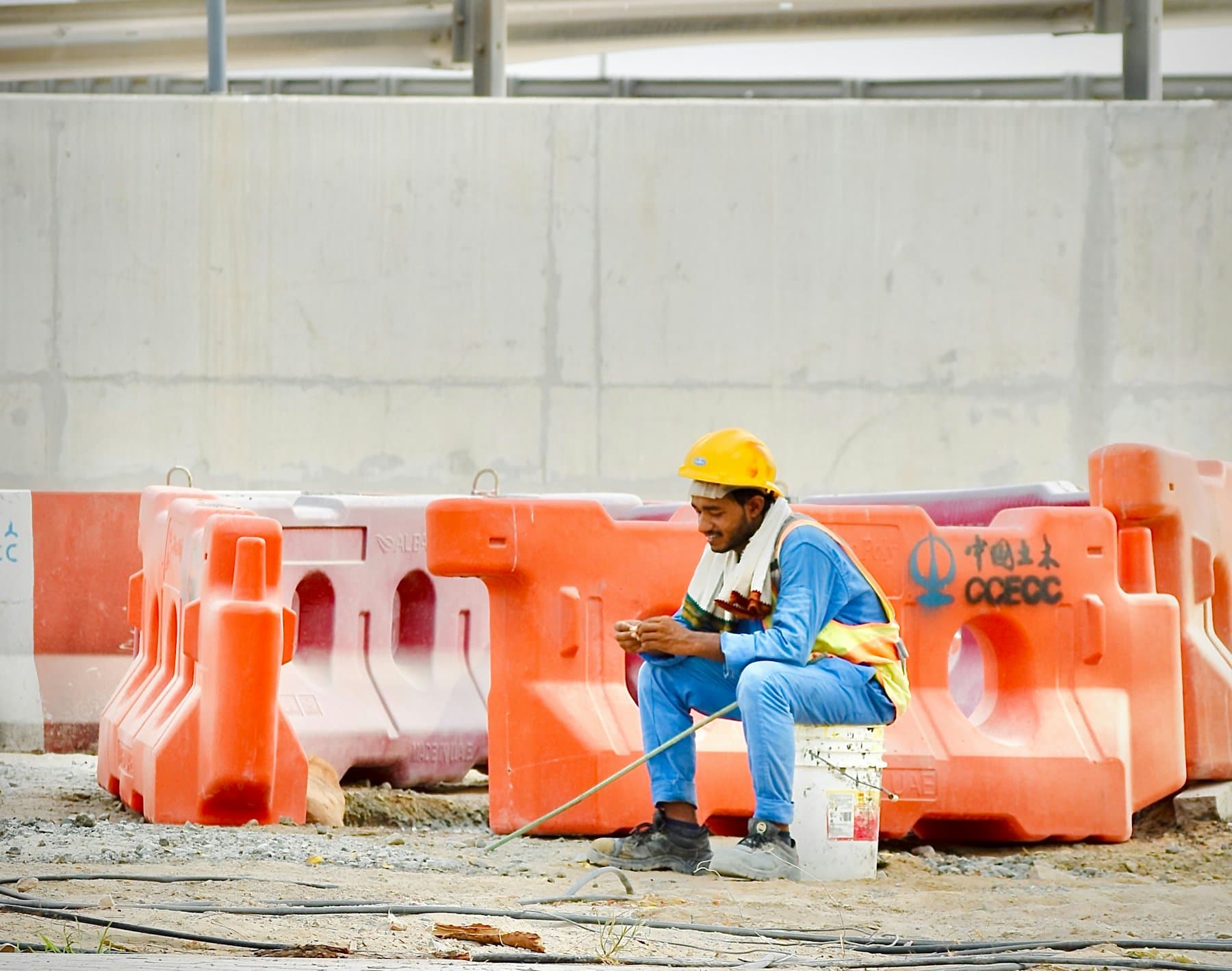
Short answer. Stop treating breakage as user error. Spec devices for the environment, budget for cases and screen protection at purchase, keep a small swap pool so a broken phone is not a lost day, and track breakage by crew so you can see whether it is the site or the specification.
Why do field devices break so much more?
Because the environment is different, not because the people are careless. Dust, water, drops onto concrete, gloved hands and temperature swings are all normal conditions on a job site, in a van or in a plant. A device chosen for an office is being used outside its design envelope every day.

What actually reduces the cost?
- Spec for the site. Check the device's ingress protection rating and drop testing against the real environment. A rugged case on a fragile phone is not the same as a device built for it.
- Buy protection with the device, not after the first break. Case and screen protection at purchase cost a fraction of one replacement, and get fitted before the phone reaches the site.
- Keep a swap pool. Two or three enrolled spares turn a broken handset into a ten-minute problem instead of a lost day. Track them, or they become drawer devices — see building an inventory.
- Track breakage by crew and by model. The pattern tells you whether to change the device, the case or the site practice. Without it you are guessing, usually about people.
Is insurance worth it?
It depends on your breakage rate, which is the number most companies do not have. Run six months of tracking first: if replacements are rare, insurance across the fleet costs more than it returns; if a crew breaks a phone a month, the arithmetic changes. Either way it is a decision about a rate, not a feeling.
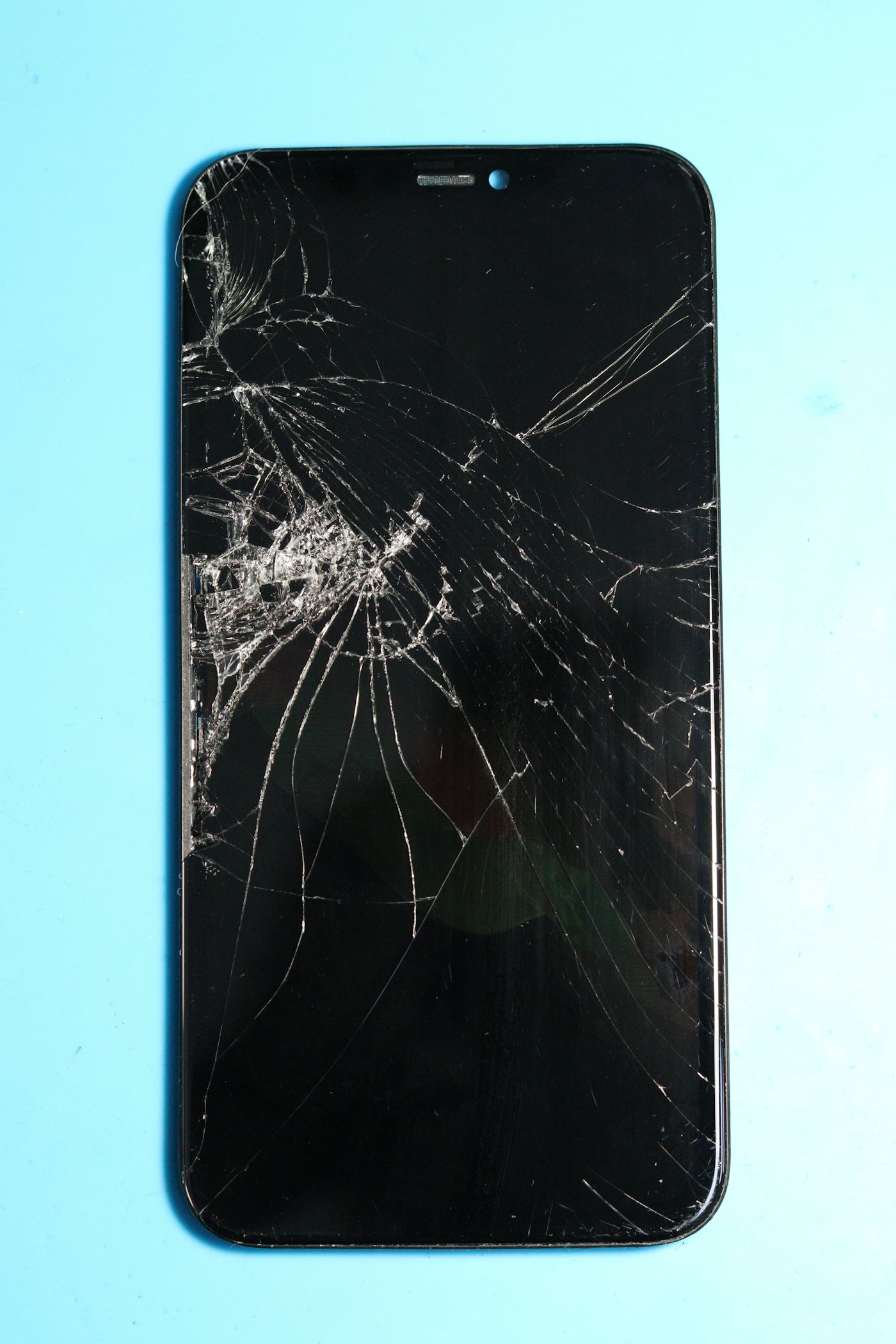
What does downtime actually cost?
More than the handset, usually. A crew member without a phone cannot receive dispatch, take photos for the job record, or reach the office. That cost never appears on a mobile budget, which is why it never gets counted — the same blind spot described in the true cost of managing company phones.
Who handles the replacement?
On most crews, the foreman — who is now doing procurement between jobs. With MobileDesk the broken device is a text to your Mobile Success Manager, and the replacement ships enrolled and set up. Get started and the first thing we build is the inventory that tells you which crews break what.
FAQs
Should field crews get rugged phones or standard phones in rugged cases?
Both work. Rugged devices survive more and cost more up front; cases are cheaper and depend on being fitted and kept on. Decide from your own breakage data, not the brochure.
How big should a swap pool be?
Enough to cover your typical simultaneous breakages plus one. For most crews that is two or three enrolled spares, not a shelf full.
Should employees pay for damage?
That is a policy decision with morale consequences, and it belongs in writing before the first incident — see the policy clauses.
Does a broken phone need wiping too?
If it is being returned, recycled or sent for repair, yes. Treat it exactly like a lost device from a data perspective.