How to build a company device inventory that stays current
Nine fields, three sources and one rule: update it at the event, not at the audit. A device inventory method that survives contact with a busy month — spreadsheet included.

Short answer. Build it from three sources — the carrier's line list, your HR roster and the devices themselves — with nine fields per row. Then keep it current by updating it at the moment of the event, never at the audit.
What belongs in the inventory?
| Field | Why it earns its column |
|---|---|
| Phone number | The key everything else joins on |
| Assigned employee | Unassigned lines are the most expensive rows in the sheet |
| Department or crew | Lets you see patterns in breakage and usage |
| Make and model | Drives upgrade planning and case ordering |
| IMEI or serial | Required to report a device lost or stolen |
| Plan | The only way to spot a mismatch against usage |
| Device payment end date | Instalments that should have stopped are a standing audit finding |
| Contract or renewal date | Turns renewals into a calendar instead of a surprise |
| Status | Active, spare, suspended, retired |
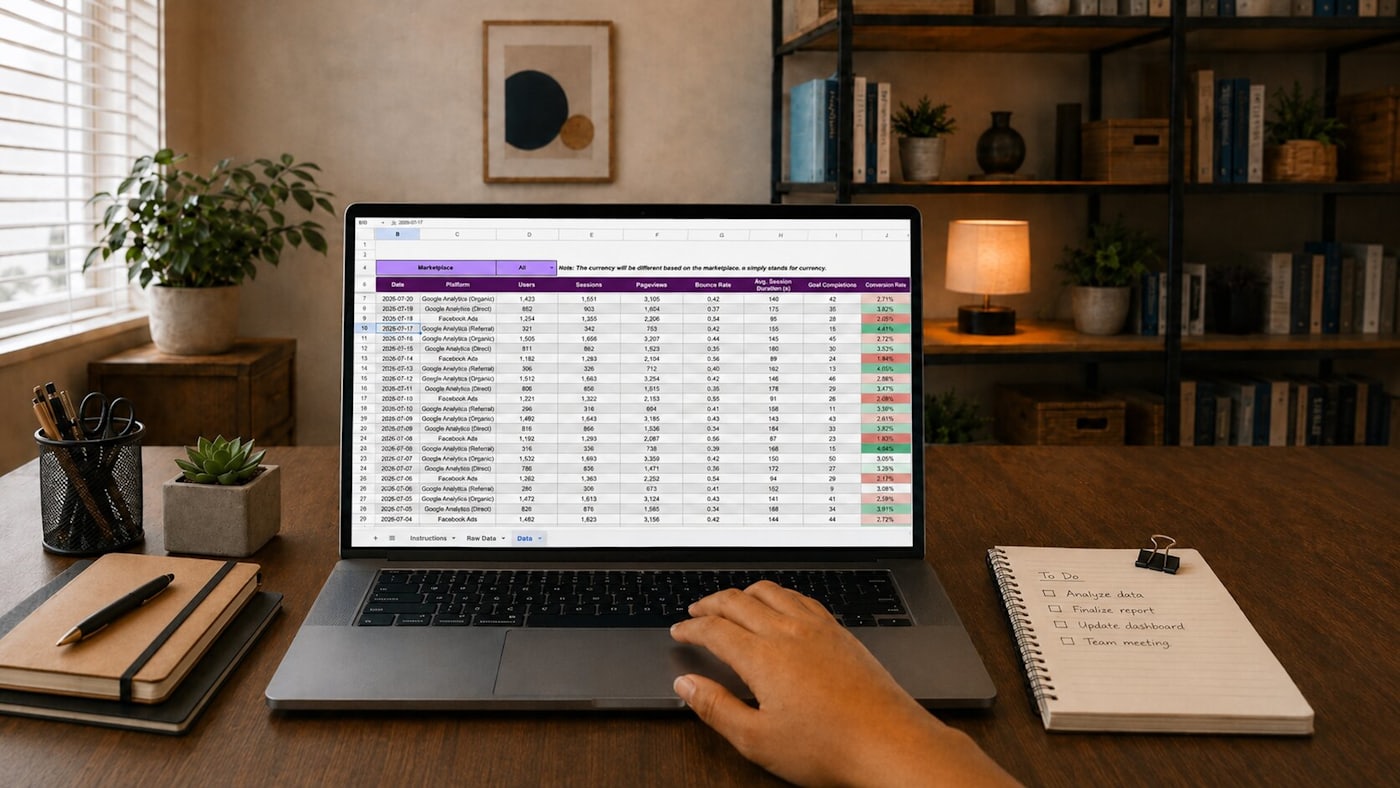
Nine columns. A spreadsheet is a perfectly good home for this until the estate is large enough to need more.
Where does the data come from?
- The carrier's line-level export. Authoritative for numbers, plans and instalments. Start here.
- The HR roster. Authoritative for people. Join the two and the gaps are your findings.
- The devices themselves. Only source for what is physically in a drawer, a van or a leaver's kitchen.
The join is where the value is: every line without a current employee, and every employee without a line, is either a saving or a service failure.
How do we keep it current?
One rule: update at the event, not at the audit. An inventory rebuilt quarterly is a quarterly project. An inventory updated when the device is issued, returned, broken or replaced is never out of date and never takes more than a minute.
Attach the update to events you cannot skip — the ones already in the onboarding and offboarding checklist.

What does a current inventory make possible?
- A bill audit that takes an afternoon instead of a week — see the nine checks
- Renewals negotiated with the facts in hand rather than the carrier's version of them
- Lost devices reported in minutes, because the IMEI is already written down
- Upgrade budgeting that is a forecast rather than a reaction
It is also the first artefact MobileDesk produces: the full device inventory is captured on day one, before anything else changes. Most companies have never had one in a single place. The first week covers the rest.
FAQs
Spreadsheet or software?
Spreadsheet, until the update discipline is proven. Software does not fix an inventory nobody maintains; it just makes the neglect more expensive.
How often should it be reconciled against the carrier?
Quarterly is enough if you update at the event. Monthly if you do not.
What about personally-owned phones?
Track the fact of them and the access they hold, not the hardware. You do not own the device, but you do own the exposure.
Who should own the inventory?
The person who touches devices at issue and return. Ownership by someone downstream of those events guarantees it drifts.