How to avoid surprise international roaming charges
Roaming charges arrive a month late, when nobody remembers who travelled. Add the plan before departure, close it on return, and check three settings before the flight.

Short answer. Add an international plan before departure, not during the trip. Check three handset settings before the flight. Then close the plan out on return — the charge that surprises companies is almost always the day pass nobody cancelled.
Why does roaming bill so badly?
Timing. The trip happens in March, the invoice arrives in April, and by then nobody remembers who went where or which add-on was supposed to be temporary. Roaming is the one mobile cost that is both easy to prevent and impossible to dispute after the fact.
What to do before departure
- Confirm the destination and the dates. Plans are priced by country and by day; a wrong country is a wrong price.
- Add the plan to the specific line. Not the account, the line. Account-level changes are how a colleague who stayed home ends up on a travel plan.
- Check the device is unlocked and band-compatible for the destination network, especially for older handsets.
- Set a calendar reminder to close it out, dated the day after return. This one step prevents most of the surprise.
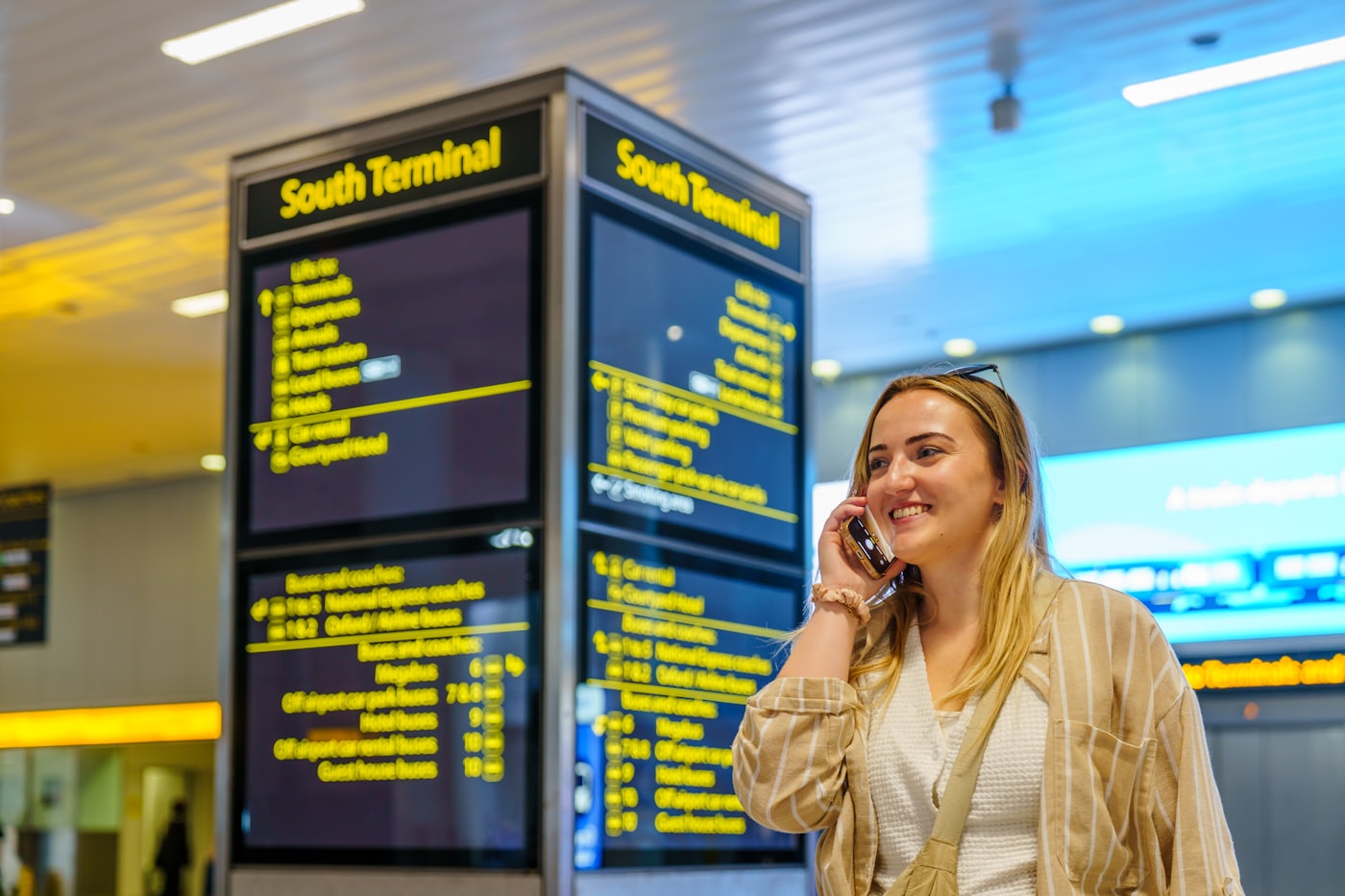
Three settings to check on the handset
- Data roaming — on if a plan is active, off if it is not. Ambiguity here is expensive.
- Automatic app updates and cloud backup over cellular — off. A single overnight photo backup can exceed the trip's allowance.
- Wi-Fi calling — on, and tested before leaving. It routes calls over hotel Wi-Fi rather than the foreign network.
What about the return leg?
Close the plan out the day after landing, and check the next invoice to confirm it actually stopped. Day passes are designed to renew silently. This is also why roaming is check five in the bill audit — the charges that survive are the ones on lines that came home.

Who should own this?
Not the traveller. Somebody heading to a client meeting in another country is the worst-placed person to be negotiating with a carrier, and the most likely to buy the expensive option under time pressure.
With MobileDesk, international plans are arranged before the trip and closed out after it — one of the six areas in what we handle. The traveller's only job is telling their Mobile Success Manager where they are going.
FAQs
Is a local SIM cheaper than a roaming plan?
Sometimes, for long trips. It also changes the traveller's number, which breaks two-factor authentication and inbound calls — usually the more expensive problem.
Can we just turn data off and use Wi-Fi?
For short trips, yes, if Wi-Fi calling is enabled and tested first. It is a real strategy, not a workaround — but test it before departure, not in the taxi.
What about cruise ships and airplane Wi-Fi?
Both are usually billed separately from any country plan and at much higher rates. Check them specifically before the trip.
How far in advance should the plan be added?
The day before departure is enough for most carriers, but earlier is safer when a device needs unlocking as well.